One city is a list. Three cities is logistics: which nights where, what day you move, which forecast to check, which language to fumble in. This is how a multi-city trip comes together in Waiz, using a Rome, Florence and Venice week as the example.
Before you open any app: the route
Most multi-city trips go wrong in the shape, not the details. Three things to settle first:
- Two nights per city, at least. A move between cities costs about half a day once you count checking out, the station and checking in. With one night somewhere, you mostly see the hotel.
- Draw a line, not a star. Order the cities so you never backtrack, and look at flying into the first city and home from the last. Rome, Florence, Venice works; Florence, Venice, Rome adds a long ride back south.
- Count the moves. Rome to Florence is about 90 minutes by high-speed train, and Florence to Venice about two hours. Short legs like those can carry a morning or an afternoon of sightseeing at either end; a six-hour leg cannot.
Crossing borders in Europe on a non-EU passport? Check the 90/180-day limit with the Schengen calculator before you book.
Destinations first, with their dates
A trip holds several destinations, each with its own dates: Rome for three nights, Florence for two, Venice for two. The trip's days follow from that, so each day already knows which city it belongs to.
With Waiz Pro, the trip wizard takes all three cities at once and drafts the days city by city.
One day at a time, on the map
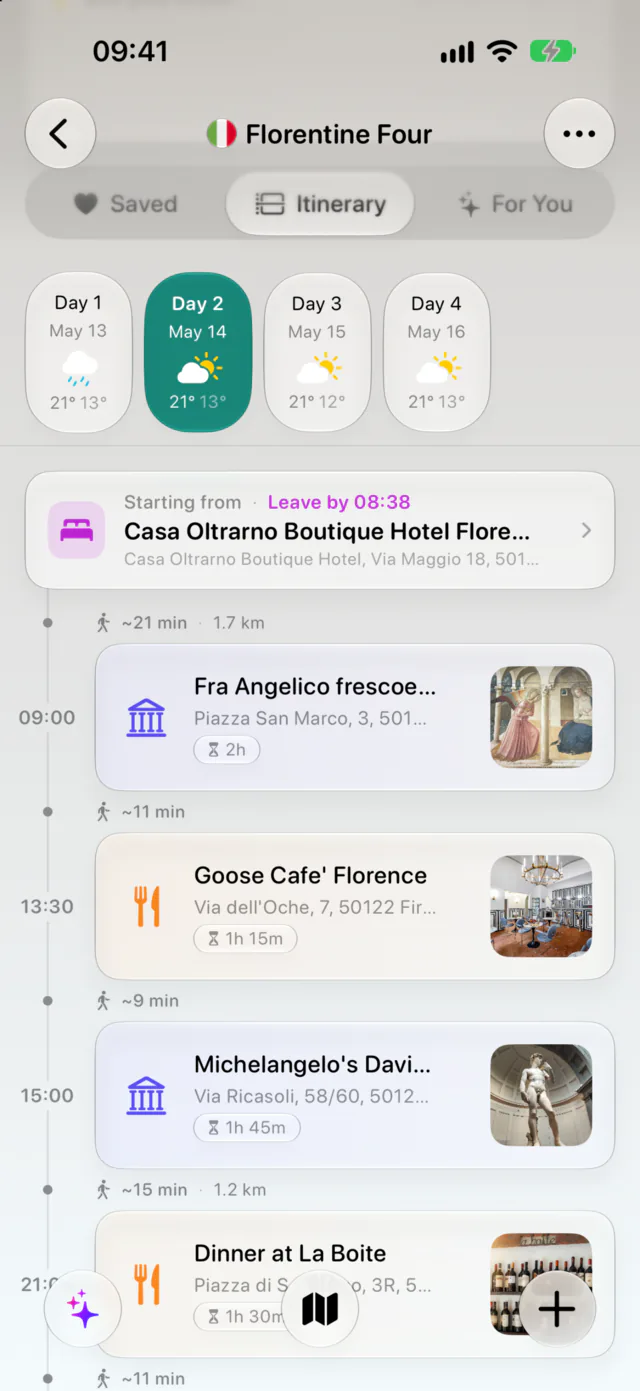
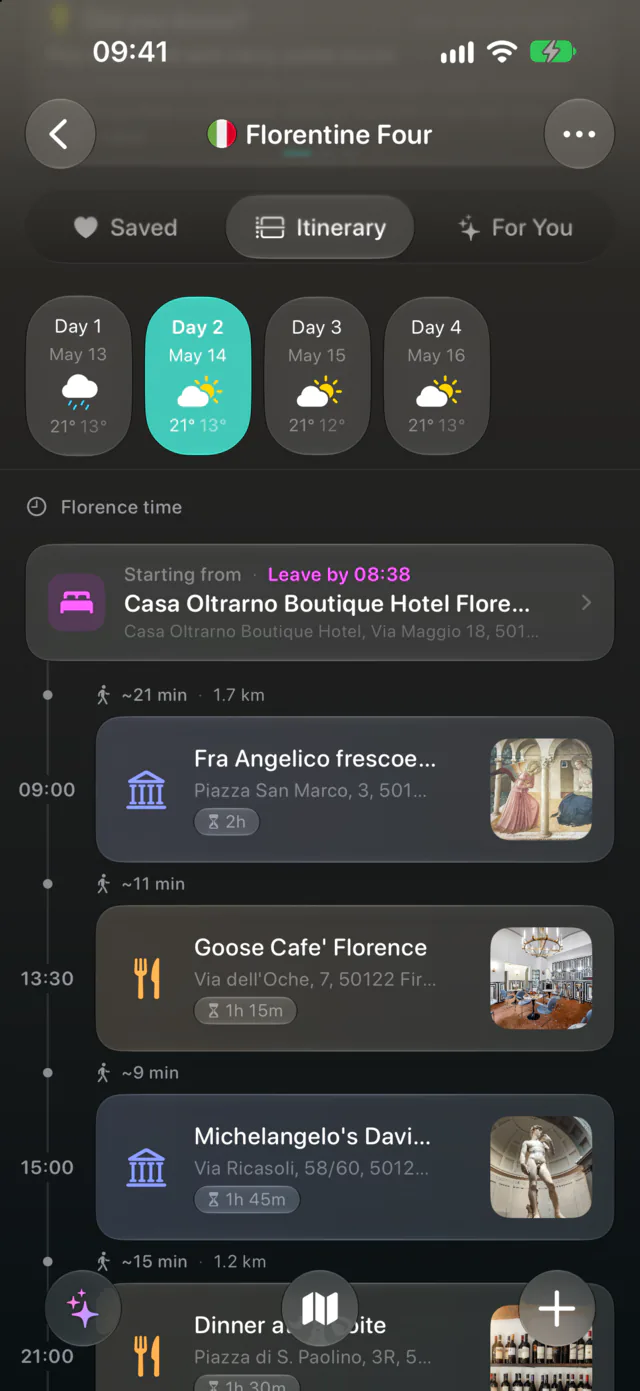
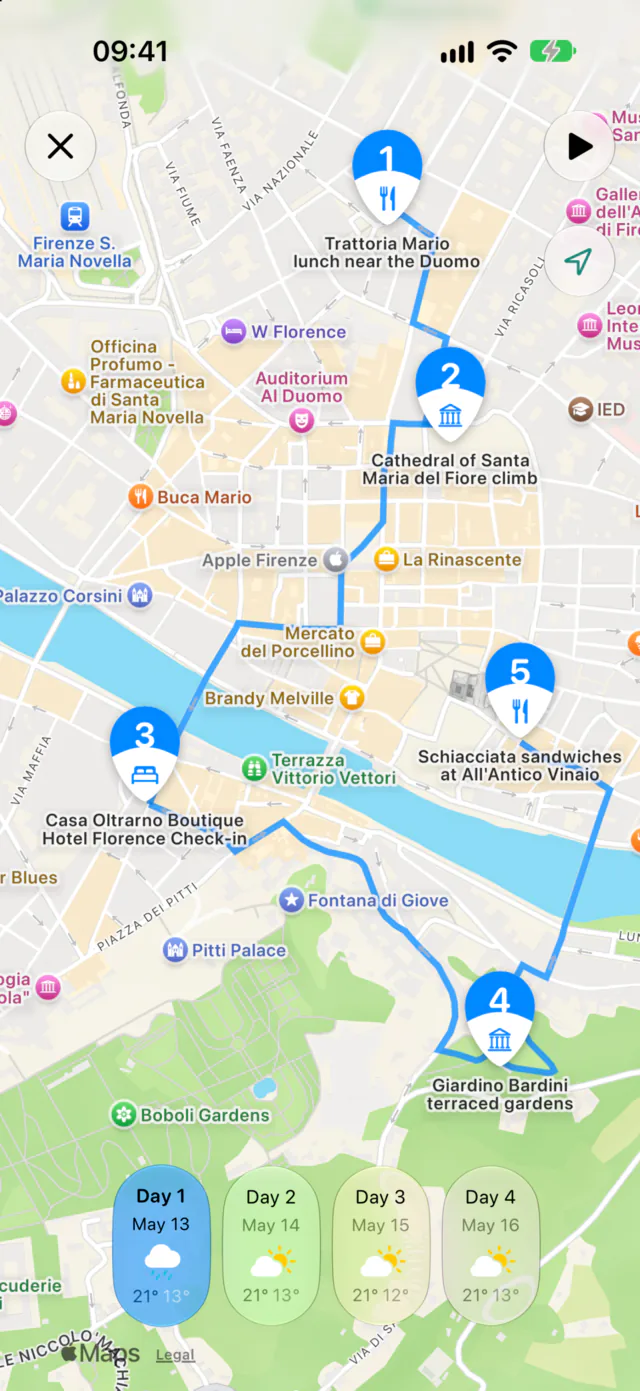
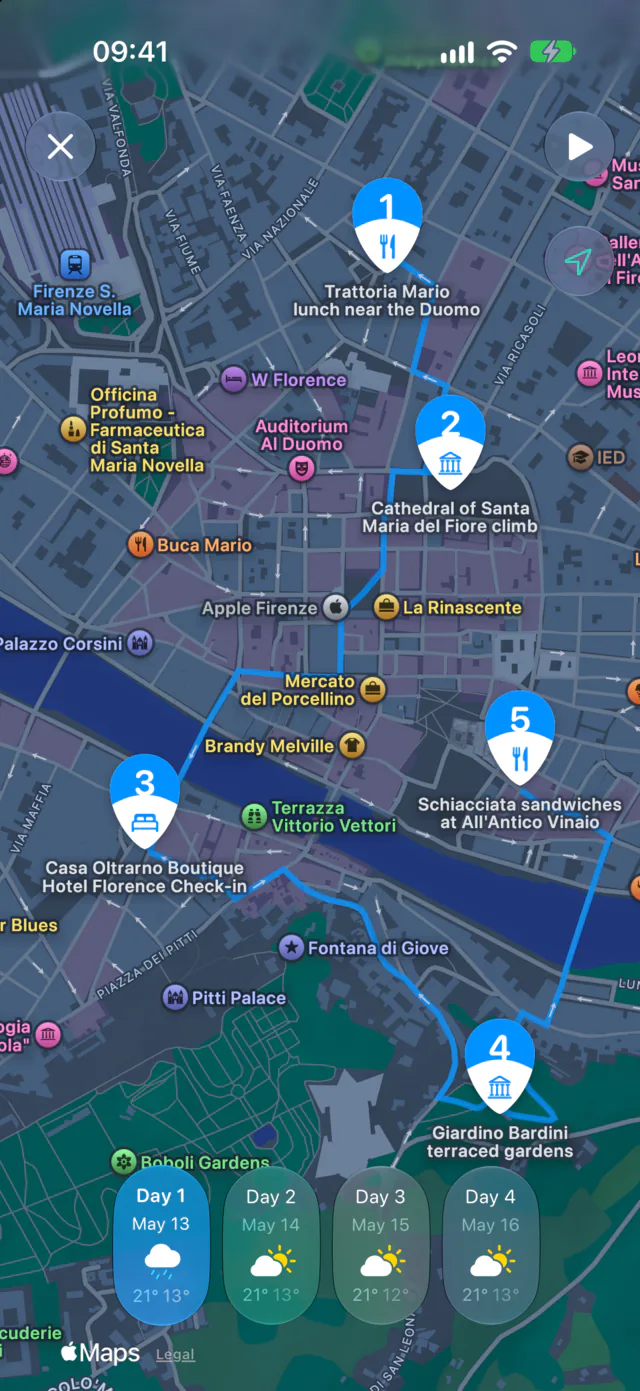
Each day is a timeline with times, durations and the walk or drive between stops, and the same day on the map. The travel day is a day like any other: add the train, and the stops before and after it.
Bookings help here. Forward the train and hotel confirmations to trips@getwaiz.com and they land in the trip with their times, so you plan the transfer day around the train you actually booked.
Weather, insights and phrases per city
Since Waiz 1.2, everything that depends on place follows the route:
- Each day shows the forecast for the city you will be in that day, the arrival city on a travel day.
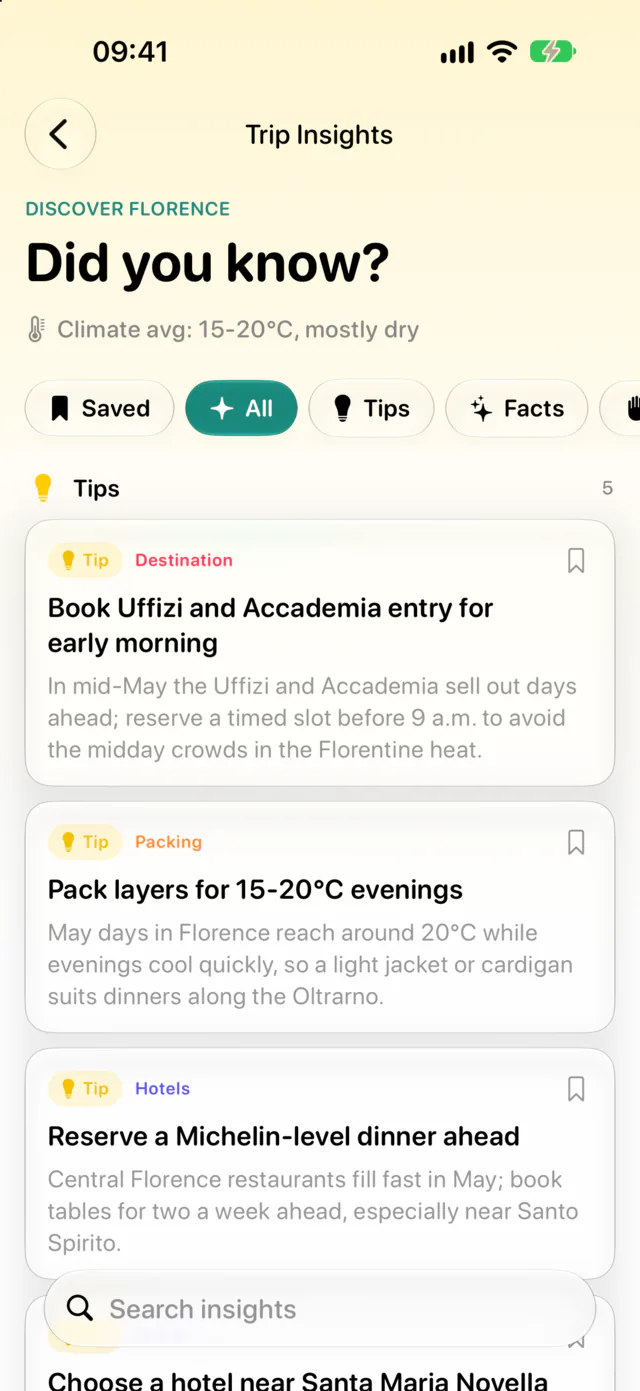
- Trip insights, the local tips and customs, are generated for each destination, with a switcher at the top of the screen.
- Phrases come per destination too, so a trip through Italy and Spain carries both languages.
During the trip, insights open on the city you are in.
AI itineraries, booking import, weather and insights are part of Waiz Pro, which starts with a free trial. Destinations, days, the map and collaboration are free.
Afterwards
Once the trip is over, all three cities appear on your Scratch Map, and the replay flies the route the way you travelled it, train legs included.